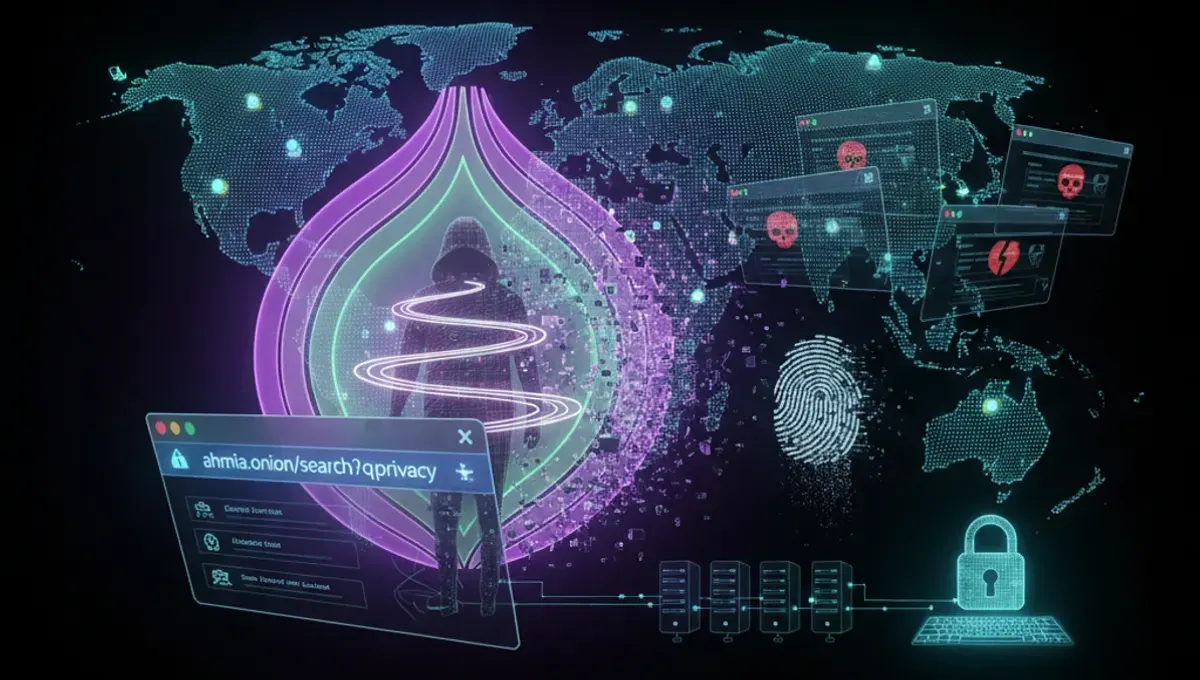
What Makes a Dark Web Browser Secure
A secure dark web browser must encrypt your traffic, mask your IP address, and prevent DNS leaks that could expose your location. The best dark web browser includes built-in protections against browser fingerprinting, which identifies users through unique device characteristics. Security features should also prevent malicious scripts from executing and block tracking mechanisms. Performance matters too—a browser that's too slow encourages users to disable safety features. The ideal option balances strong anonymity with usability, so you don't compromise security for convenience. Regular updates are essential, as developers patch vulnerabilities quickly when discovered. Look for browsers maintained by active development teams with transparent security practices.
Tor Browser: The Standard for Dark Web Access
Tor Browser remains the most widely used dark web browser, built on Firefox and configured specifically for anonymous browsing. It routes your connection through multiple Tor nodes, making it extremely difficult to trace your activity back to your IP address. The browser blocks plugins that could leak your identity and disables JavaScript by default to prevent certain attacks. Tor Browser receives regular security updates and is free to download from official sources. It works on Windows, macOS, Linux, and Android devices. The dark web best browser reputation comes from its open-source code, which security researchers continuously audit. Setup is straightforward—download, install, and connect to the Tor network. Performance is slower than standard browsers due to the encryption overhead, but this is a necessary tradeoff for anonymity.
Dark Web Browser Online Access Methods
Some users prefer dark web browser online options that don't require installation. Tails OS is a live operating system that boots from USB and routes all traffic through Tor automatically, leaving no trace on your computer. Whonix is another option that runs Tor in a virtual machine, isolating your browsing from your main system. These approaches provide stronger isolation than installing a browser directly. However, they require more technical setup and learning. For casual dark web access, downloading Tor Browser directly is simpler and sufficient for most users. Online access methods are valuable if you're using a shared or untrusted computer. They also protect against malware that might be present on your main system. Choose based on your threat model and technical comfort level.
Dark Web Browser Reddit Community Insights
Reddit communities discussing dark web access frequently recommend Tor Browser as the primary choice for beginners. Experienced users on these platforms emphasize combining Tor Browser with additional security measures like a VPN, though this adds complexity. The dark web browser reddit discussions highlight common mistakes: disabling security features for better performance, maximizing the browser window to enable fingerprinting, and visiting untrusted sites. Users stress keeping your operating system and all software updated before accessing the dark web. Many recommend using a dedicated device or virtual machine for dark web browsing to isolate potential threats. Reddit threads also warn against downloading files carelessly—malware often hides in documents and media files. The consensus is that Tor Browser alone provides adequate anonymity for legitimate dark web use when combined with cautious behavior.
Comparing Dark Web Access Browser Options
Beyond Tor Browser, alternatives exist but with different tradeoffs. I2P is another anonymity network with its own browser, offering different privacy characteristics but less mainstream support. Freenet is a peer-to-peer network for sharing files anonymously. Each has specific use cases—Tor excels for general dark web browsing, while I2P suits file sharing. Tor Browser remains the best dark web browser for most users due to its balance of security, usability, and community support. When evaluating dark web browser website recommendations, verify you're downloading from official sources only. Fake versions exist that compromise your security. Check cryptographic signatures and use HTTPS connections. The official Tor Project website is the only reliable source for Tor Browser downloads. Avoid third-party repositories or modified versions that claim to be improved versions of Tor.
Setup and Safe Configuration
Installing your dark web best browser requires careful attention to security settings. After downloading Tor Browser from the official source, verify the file's integrity using provided checksums. During installation, don't customize security settings unless you understand the implications. Launch the browser and allow it to connect to the Tor network—this takes a minute or two. Once connected, your traffic routes through Tor nodes. Avoid maximizing your browser window, as this enables fingerprinting attacks. Don't install additional extensions or plugins, as these can compromise anonymity. Disable JavaScript in security settings if you need maximum protection, though this breaks some websites. Keep Tor Browser updated automatically. Create a separate user account on your computer for dark web browsing if possible. Never use the same username or password across the dark web and regular internet.
Legal and Safety Considerations
Using Tor Browser itself is legal in most countries, though some nations restrict or monitor Tor usage. The dark web browser online access enables both legitimate and illegal activities—the technology is neutral. Legitimate uses include accessing information in censored countries, protecting journalist sources, and maintaining privacy from surveillance. Illegal marketplaces exist on the dark web, but visiting them or engaging in illegal transactions carries serious legal consequences. Law enforcement agencies actively monitor dark web activity and have successfully prosecuted users. Your anonymity isn't absolute—mistakes in operational security can expose your identity. Never assume you're completely anonymous. Avoid downloading files unless absolutely necessary, as they may contain malware or be tracked. Don't maximize your browser window or change default settings. Don't enable plugins or extensions. These precautions apply whether you're using Tor Browser or any dark web access browser option.
Frequently asked questions
Is Tor Browser the best dark web browser for beginners?
Yes, Tor Browser is the best choice for beginners. It's free, easy to install, widely supported, and regularly updated with security patches. The interface is straightforward, and it requires minimal configuration. Most dark web resources and communities assume you're using Tor Browser, making it easier to find help and guidance.
Can I use a VPN with Tor Browser for better security?
Using a VPN with Tor adds complexity and may not improve security. Tor already encrypts your traffic multiple times. A VPN can actually reduce anonymity if the VPN provider logs your activity. If you use both, connect to the VPN first, then open Tor Browser. However, for most users, Tor Browser alone is sufficient.
What's the difference between Tor Browser and other dark web browsers?
Tor Browser is the most popular and well-maintained option for accessing Tor network sites. I2P and Freenet are alternatives for different networks with different characteristics. Tor Browser offers the best balance of security, usability, and community support. Most dark web content is accessible through Tor, making it the practical choice for general dark web access.
How do I know if I'm downloading the real Tor Browser?
Download only from the official Tor Project website at torproject.org. Verify the file's cryptographic signature using the provided instructions. Check that your connection uses HTTPS. Never download Tor Browser from third-party sites, app stores, or torrent sites. Fake versions compromise your security and anonymity.
Is accessing the dark web illegal?
Accessing the dark web using Tor Browser is legal in most countries. However, many dark web activities are illegal, including buying drugs, weapons, or stolen data. Law enforcement monitors dark web activity and prosecutes illegal transactions. Using Tor Browser for legitimate purposes like privacy protection is legal, but illegal activities carry serious criminal penalties.