What Makes a Dark Web Access Browser Different
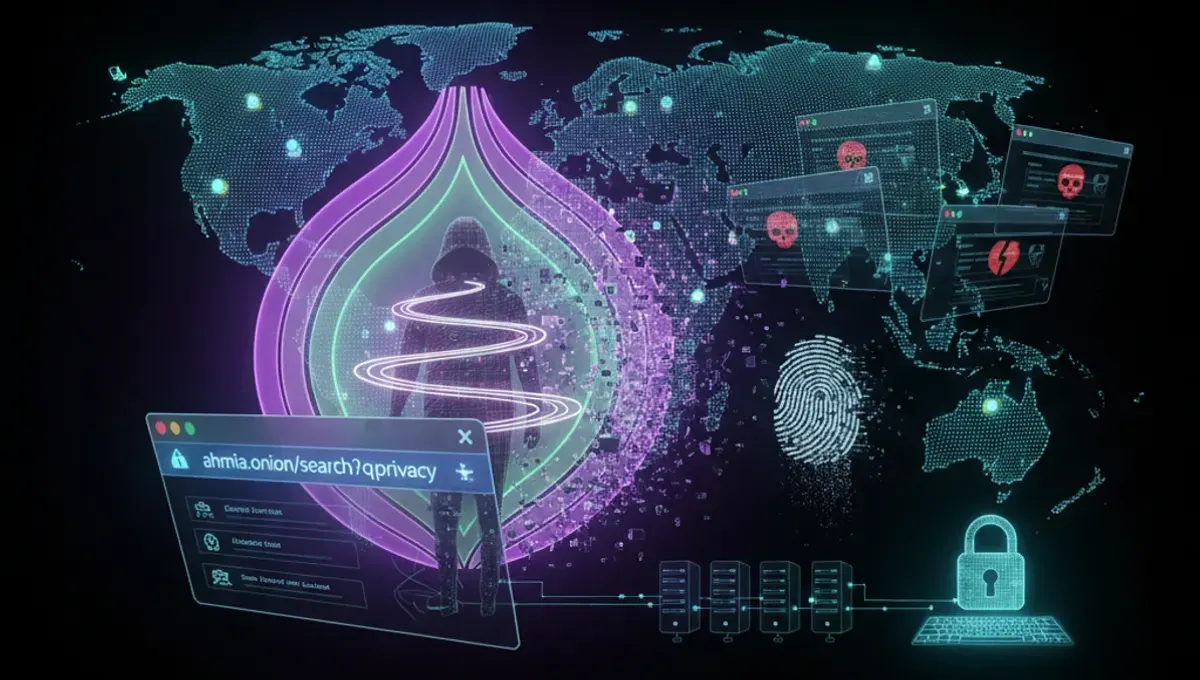
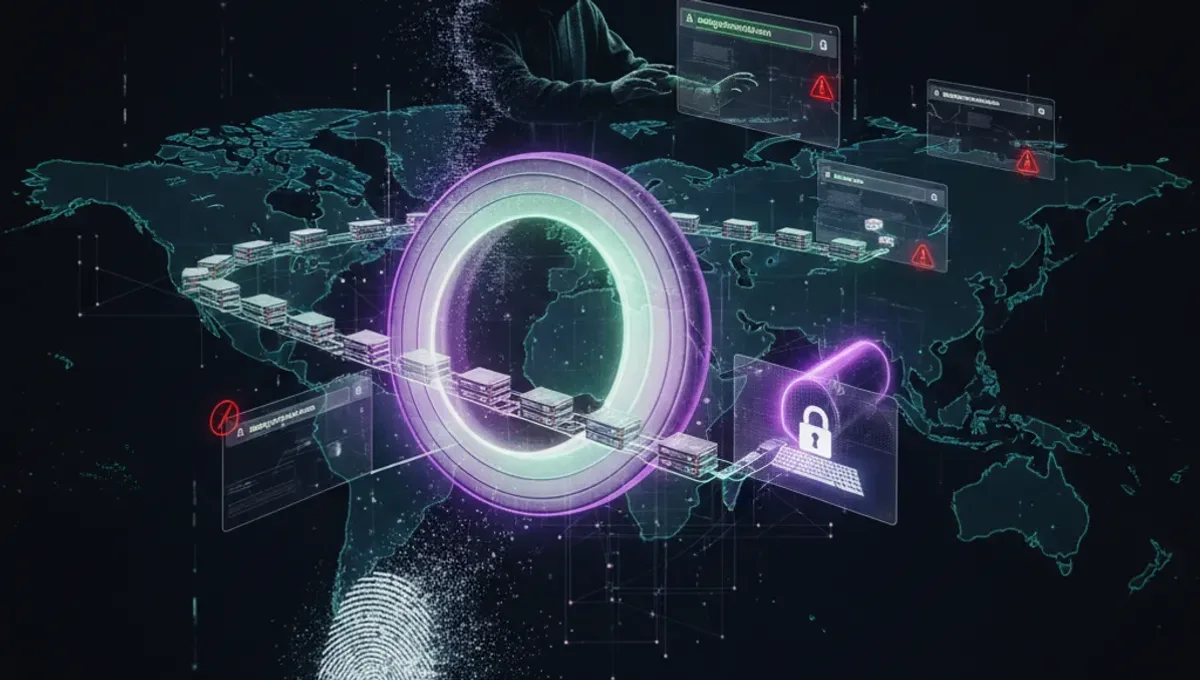
A dark web access browser isn't just a modified version of standard web software. These tools handle routing through volunteer-operated nodes that mask your IP address and encrypt your traffic multiple times. The architecture prevents exit nodes from seeing your original location, and entry nodes cannot identify your destination. This layered approach creates genuine anonymity for users who need it. Standard browsers lack these protections entirely. The technical foundation matters because it determines whether your connection remains private at each stage of transmission.
Tor Browser: The Standard for Dark Web Access
Tor Browser remains the most widely used option for dark web access. It bundles the Tor network client with a modified Firefox browser, preconfigured with security settings that prevent fingerprinting and tracking. The software handles all routing automatically without requiring manual configuration. Users simply download, install, and launch the browser to connect to the Tor network. The interface resembles standard Firefox, making it accessible to people without technical expertise. Security features include disabling JavaScript by default and blocking plugins that could leak your real IP address. Regular updates address vulnerabilities promptly.
Alternative Dark Web Access Methods
Beyond Tor Browser, other approaches exist for dark web access. Tails is a Linux-based operating system that routes all traffic through Tor by default and leaves no trace on your computer after shutdown. I2P offers an alternative network with different routing protocols, though it has a smaller user base. Whonix provides a virtual machine setup that isolates Tor traffic from your main system. Each method trades convenience for different security benefits. Tails suits users handling sensitive information who can work from a USB drive. Whonix appeals to people wanting isolation without learning Linux. Your choice depends on balancing ease of use with your specific threat model.
Security Considerations for Dark Web Browsing
Using the best dark web browser still requires personal discipline. Your browser is only one layer of protection. Avoid maximizing windows, which can reveal your screen resolution and help identify you across sites. Disable plugins and extensions that aren't essential. Never open documents in your browser before checking them with external tools, as PDFs and other files can execute code that reveals your IP. Don't enable features like WebGL or WebRTC without understanding the risks. Keep your operating system and all software updated. Using a dedicated device or virtual machine for dark web access adds another security boundary between your normal activities and anonymous browsing.
Legal and Ethical Use of Dark Web Access
Dark web access itself is legal in most countries, but your activities on the dark web determine legality. Journalists, activists, and people in oppressive regions use these tools for legitimate purposes like accessing uncensored information and communicating safely. Researchers study dark web markets and security vulnerabilities. Law enforcement uses dark web browsers for investigations. However, the same tools enable illegal marketplaces and criminal activity. Your responsibility includes understanding local laws and avoiding illegal content. Many jurisdictions prosecute people for accessing certain material regardless of intent. Know what's illegal in your location before browsing, and understand that anonymity doesn't provide legal protection.
Getting Started with Your First Connection
Download Tor Browser from the official website only, never from mirrors or third-party sources. Verify the download using the provided signature files to ensure authenticity. Extract the archive and launch the browser. The first connection takes longer than normal browsing as it establishes circuits through the Tor network. Once connected, you'll see the Tor Browser homepage confirming successful access. Your connection is now routed through multiple nodes. Visit a dark web search engine or known onion sites to begin exploring. Start with legitimate sites to understand how the network functions before seeking specific resources. Document nothing about your activities.
Frequently asked questions
Is using a dark web access browser illegal?
Using the browser itself is legal in most countries. However, what you do on the dark web determines legality. Accessing illegal marketplaces or content violates laws regardless of anonymity. Many legitimate uses exist, including journalism, activism, and research. Check your local laws before using dark web access tools.
Which dark web access browser is safest?
Tor Browser is the most widely audited and recommended option. It receives regular security updates and comes preconfigured with privacy settings. For maximum security, Tails operating system routes all traffic through Tor and leaves no traces. Your choice depends on balancing security needs with usability requirements.
Can I use a VPN with my dark web access browser?
Using a VPN before connecting to Tor adds complexity. Your VPN provider sees you connecting to Tor, which may flag your account. Tor alone provides sufficient anonymity for most users. If you use a VPN, ensure it doesn't leak DNS queries or your real IP address through other means.
How long does dark web access take to set up?
Tor Browser setup takes minutes. Download, extract, and launch the application. Your first connection to the Tor network takes longer than subsequent connections, typically one to two minutes. Alternative methods like Tails require more time since you're installing an entire operating system.
Will my internet provider know I'm using dark web access?
Your ISP can see that you're connecting to Tor entry nodes, but cannot see your destination or activity. They know you're using Tor, not what you're doing on it. Some ISPs throttle Tor traffic or flag accounts using it. Using bridges can obscure the fact that you're connecting to Tor at all.